Terminals
Terminals
Run shells next to your chats and files, in tabs and split panes.
Each project in Termul has its own terminals. A terminal opens in the project folder, so you can run git, your build, or your tests without a cd first. Terminals sit in tabs, next to chats and open files, and you can split the window to see several at once.
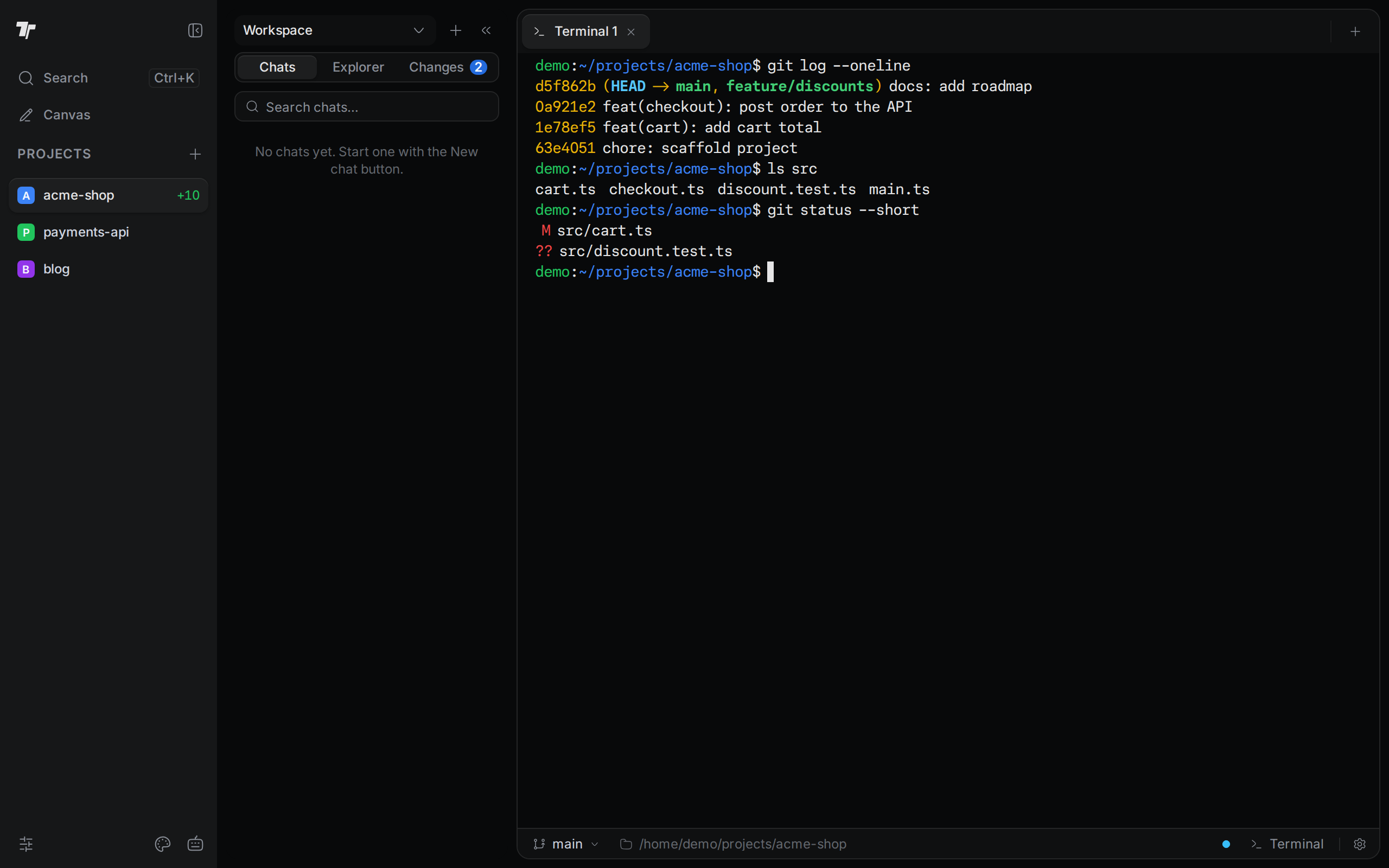
Open a terminal
Pick a shell, set a default shell, and save terminal profiles.
Tabs and split panes
Rename, reorder, and close tabs. Split the window and learn what keeps running.
Work in a terminal
Copy and paste, see which keys reach your shell, open links and files, and get notified.
Ask AI about terminal output
Have an agent explain output or fix a failed command.
Snapshots
Save your terminals and bring them back later.