Add a custom agent
Run an agent that is not in Termul's list by pasting its config as JSON.
If an agent is not in Termul's list, you can add it yourself. The agent must support the Agent Client Protocol (ACP), the open standard that Termul and the Zed editor use to talk to coding agents. Many agents have an ACP mode. It is often started with an acp argument.
Paste the agent's config
- Open Settings with
Ctrl+,(Cmd+,on macOS) and click AI Agents. - Click Add Custom Agent.
- Optional: click the Icon box to pick an icon.
- Paste the agent's config in Agent config JSON.
- Click Save Agent.
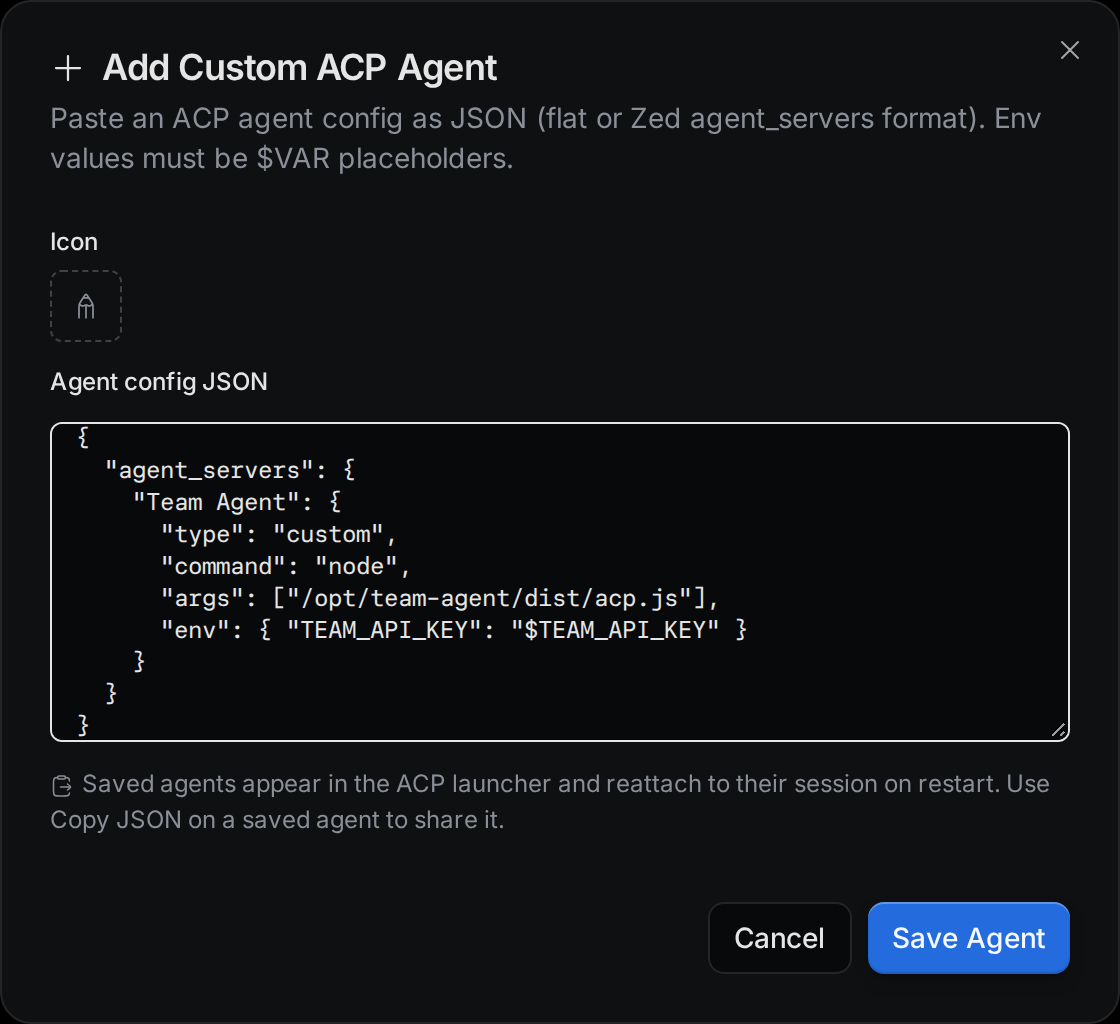
Termul accepts two shapes of JSON. The first is a flat object:
{
  "name": "Team Agent",
  "command": "node",
  "args": ["/opt/team-agent/dist/acp.js"],
  "env": { "TEAM_API_KEY": "$TEAM_API_KEY" }
}
The second is the agent_servers block from a Zed settings.json file. You can paste the whole Zed settings file. Termul finds the agent_servers block and ignores the rest.
{
  "agent_servers": {
    "Team Agent": {
      "type": "custom",
      "command": "node",
      "args": ["/opt/team-agent/dist/acp.js"]
    }
  }
}
Paste one agent at a time. If the block holds more than one agent, Termul asks you to paste them one by one.
These fields are allowed:
name: the name Termul shows. In the Zed shape, the key is the name.command: the program to run.args: a list of arguments for the program.env: environment variables for the program.allowTerminal:truelets the agent run commands in a terminal. See Allow terminal commands.icon: an SVG icon, up to 64 KB.configId: the agent's ID. Termul makes one for you. Keep it when you share a config, so the agent keeps its identity.
Zed fields that Termul has no use for, such as type and default_mode, are dropped. Any other unknown field stops the save and names the field.
Keep secrets out of the config
Each value in env must be a reference such as $TEAM_API_KEY, not the key itself. Termul refuses to save a value that looks like a secret.
Confirm the command
After you click Save Agent, Termul shows the name, command and arguments it will run, with a warning. Read them. If they are what you expect, click the Confirm button. Click Cancel to go back and edit the JSON.
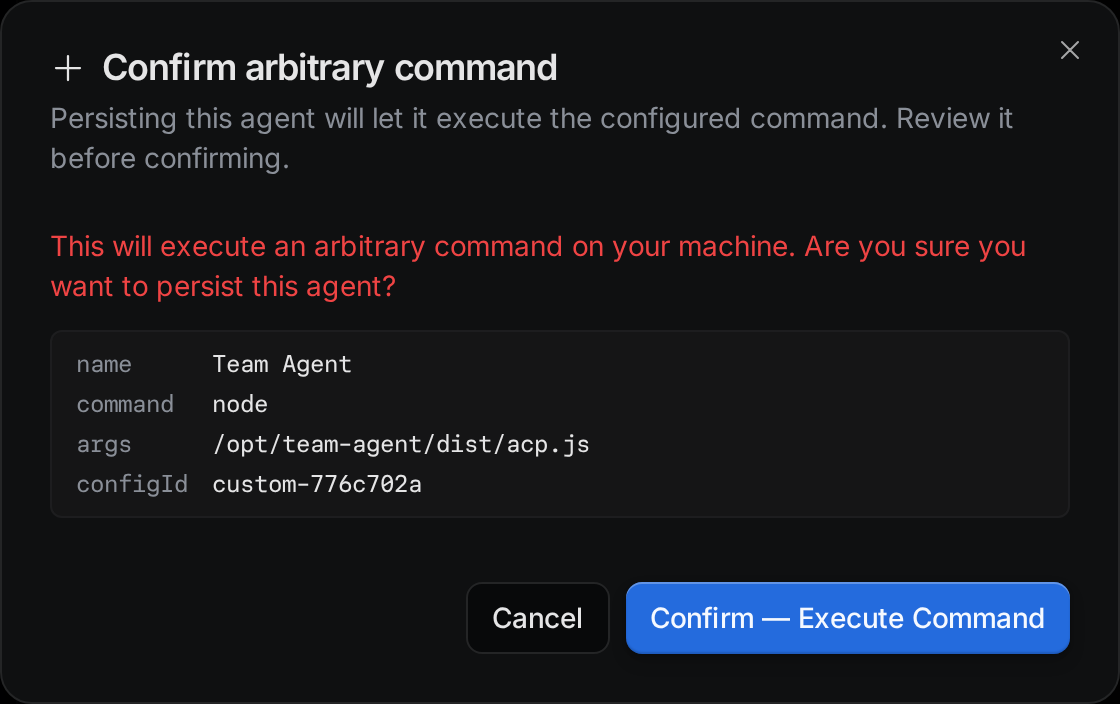
The new agent appears in the list in Settings > AI Agents, and in the agent menu of a new chat.
Allow terminal commands
If the config has "allowTerminal": true, Termul asks a second time. This setting lets the agent run any command in a terminal on your computer. Click Back if you are not sure.
Share a custom agent
Each custom agent in Settings > AI Agents has a Copy JSON button. It copies the agent's config, with its configId, to the clipboard. Someone else can paste it in Add Custom Agent to get the same agent.