Agent setup
Install AI agents, connect your Claude accounts, and give agents extra tools and skills.
Termul can chat with many AI coding agents, such as Claude Agent, Codex, Gemini CLI and OpenCode. This section shows you how to get an agent ready, how to add your own, and how to give agents more tools. To learn how to use chats once an agent is ready, see Agents.
Most setup happens in Settings. Open it with Ctrl+, (Cmd+, on macOS), or click Settings at the bottom left of the window.
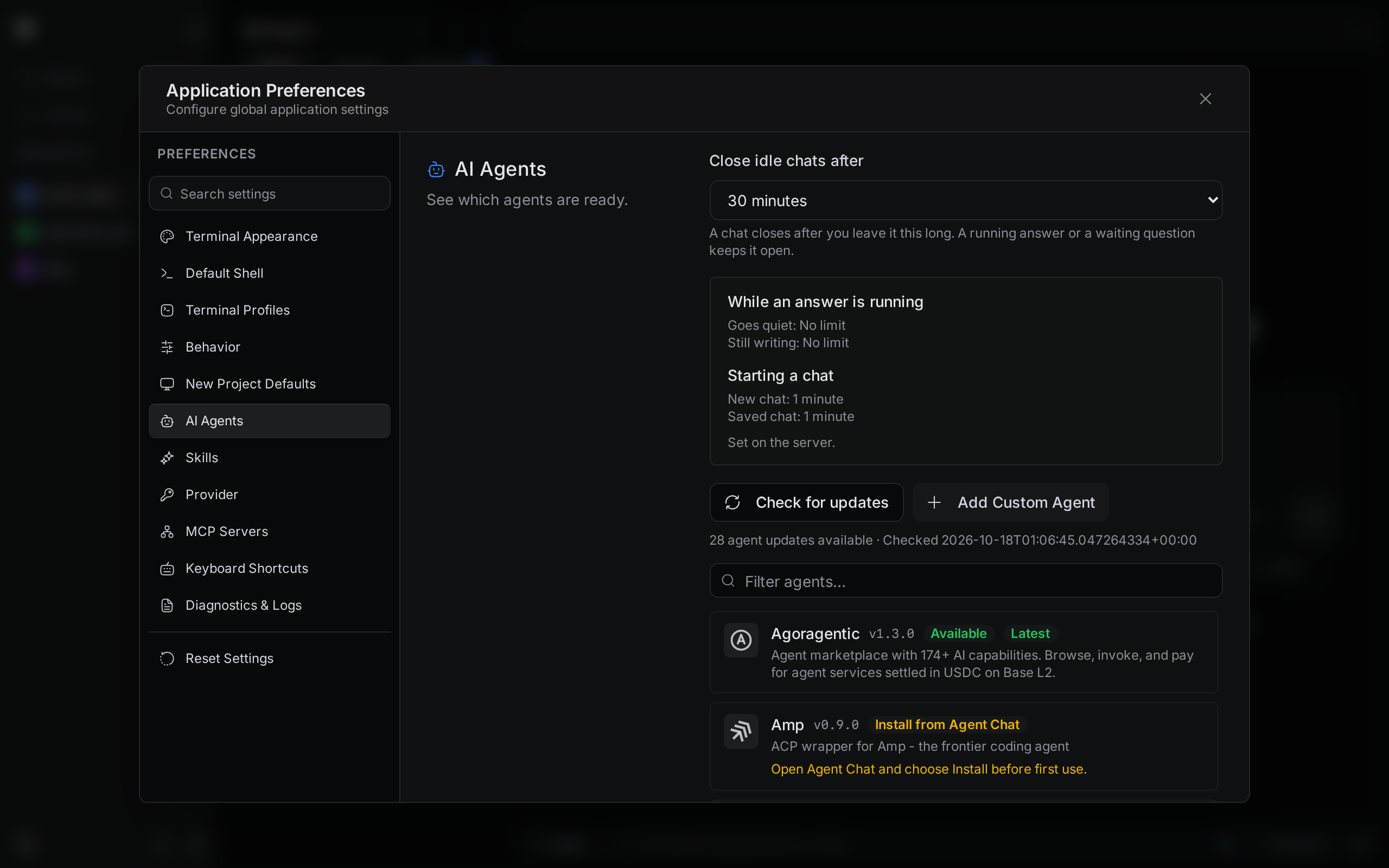
Install an agent
See which agents are ready, install one, and keep it up to date.
Add a custom agent
Run an agent that is not in the list by pasting its config.
Claude accounts
Sign in to more than one Claude account and pick one per project.
MCP servers
Give agents extra tools, such as an issue tracker or a database.
Skills
Write reusable instructions and call them from the slash menu.
Timeouts and idle chats
Choose when idle chats close and how long Termul waits for an agent.